


Biography | Chuck Robbins — The Board Named Him CEO on This Tasman Drive Campus
· 2015-7
Personal memoryBy kevin · · Report an issue


















































Find memories left by people near you.
Distribute Bounty
This will distribute the bounty equally among all qualifying memories. This action cannot be undone.
Cancel Bounty
Are you sure you want to cancel this bounty? The remaining amount will be refunded to your account.
Success!
Operation completed successfully.
Error
Something went wrong.
Biography | Chuck Robbins — The Board Named Him CEO on This Tasman Drive Campus
kevin
People treat the Cisco succession as a surprise sprung in a single Monday press release.
Two dates do the actual work.
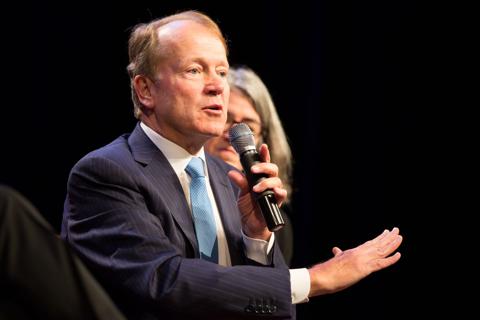
On 4 May 2015 the board announced that Chuck Robbins, then senior vice president of worldwide field operations, would become chief executive on 26 July 2015.
John Chambers, CEO since 1995, would stay as executive chairman.
Robbins was also elected to the board effective 1 May 2015.
The search had run sixteen months.
Two company presidents had been the public favorites.
The board picked the sales lieutenant Chambers had mentored.
Forbes noted he was 49.
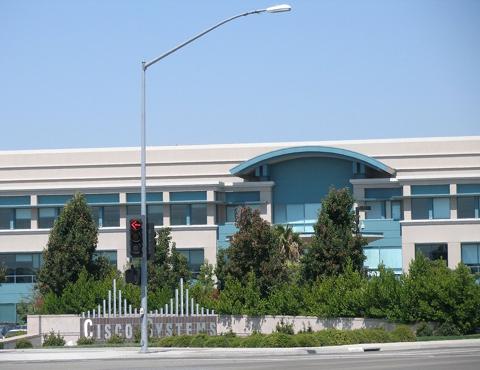
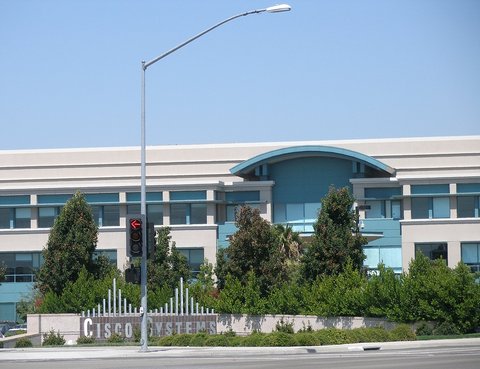
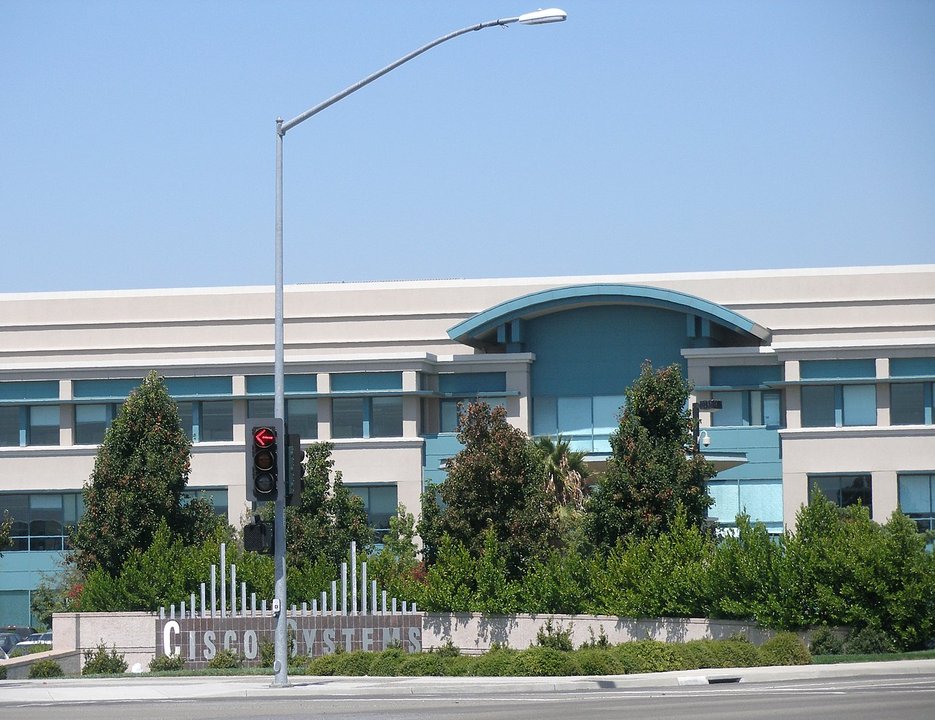
The legal headquarters then, as now on investor filings, was 170 West Tasman Drive, San Jose — Building D on the North San Jose campus Cisco occupied after leaving Menlo Park in 1994.
Monday, 27 July 2015, was his first official day.
USA Today and Re/code both dated the first personnel memo to that morning: a new chief technology officer and a chief digital officer named on the blog.
He had joined Cisco in December 1997 as an account manager after Wellfleet and a year at Ascend.
Eighteen years later the same campus put his name on the office Chambers was leaving.
The Tasman buildings are still there. Cisco later added a second campus address at 3098 Olsen Drive.
The 2015 handover belongs to Tasman.
Photo: Coolcaesar, CC BY-SA 3.0, via Wikimedia Commons
changes?
delete this memory?
We detected that you have a Blox in your crypto wallet! We will import the Blox into your account.
Click on done below to complete the import.
Welcome Back!
Sign in to preserve cherished moments
Don't have an account?
Welcome!!
Sign up and start preserving cherished moments
?
?


Choose your payment method
Buy with Metablox Credit
Do you want to mint Blox with Metablox Credit?
Which Crypto would you like to use?
Purchase Confirmed!
Your Blox is being minted on-chain and will appear in your profile shortly.
Log in or sign up to claim your Blox.
How many credits do you want to buy?
$100 USD = 1 Metablox Credit = 1 Blox.
Use Metablox Credit to mint any Blox you want on the map.
 expand_more