
Semiconductor History | Palazzo dei Congressi, 3 October 2013 — Galileo Brings x86 to the Arduino Bench
· 2013-10
Personal memoryBy kevin · · Report an issue


















































Find memories left by people near you.
Distribute Bounty
This will distribute the bounty equally among all qualifying memories. This action cannot be undone.
Cancel Bounty
Are you sure you want to cancel this bounty? The remaining amount will be refunded to your account.
Success!
Operation completed successfully.
Error
Something went wrong.
Semiconductor History | Palazzo dei Congressi, 3 October 2013 — Galileo Brings x86 to the Arduino Bench
kevin
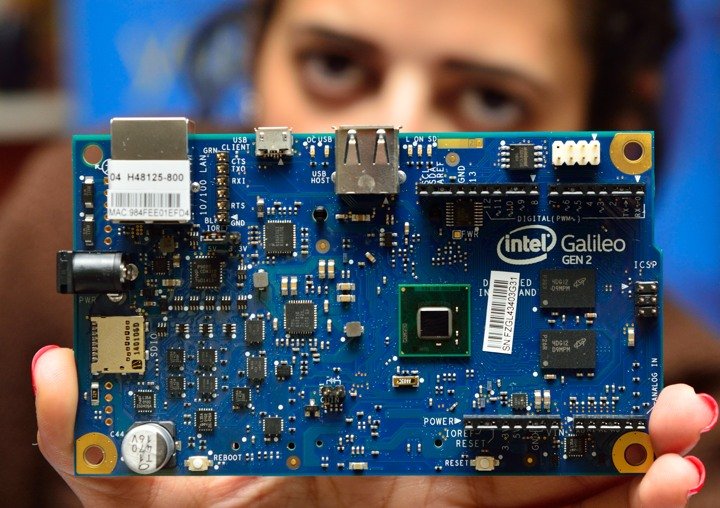
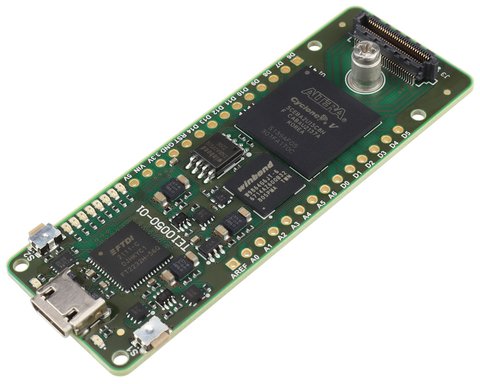
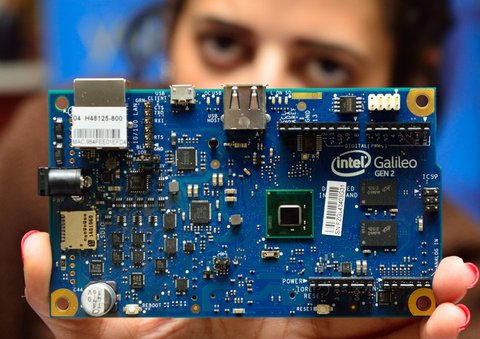
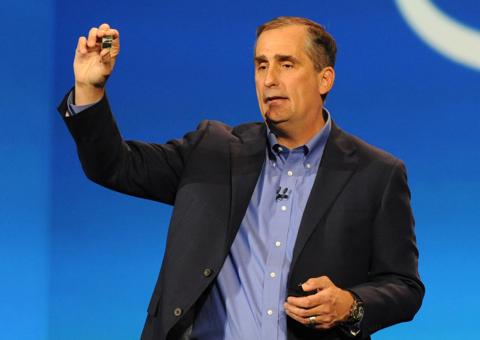
The blue board held toward the camera is Intel Galileo Gen 2, a later revision of the experiment announced in this Rome convention hall: put an x86-compatible computer into the hands of Arduino makers.
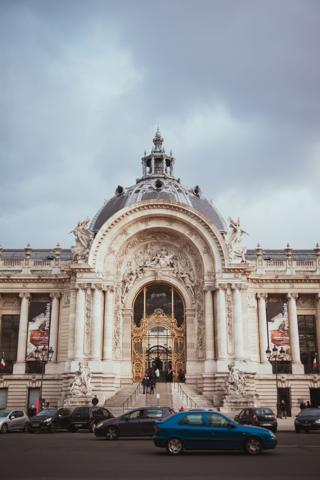
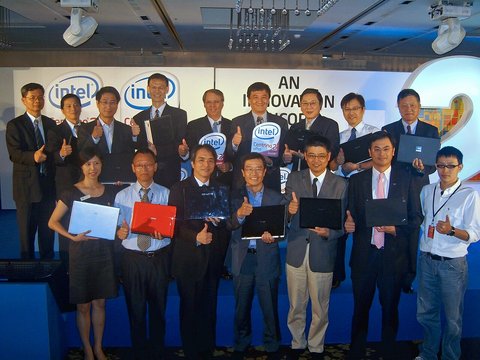
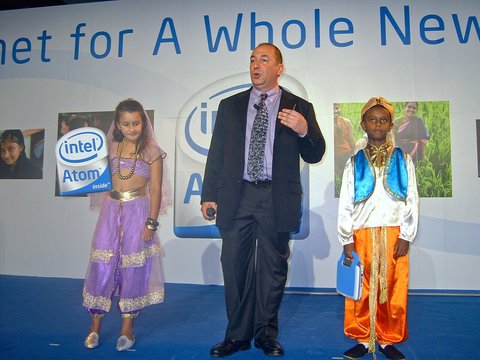
Intel chief executive Brian Krzanich and Arduino co-founder Massimo Banzi introduced Galileo during Maker Faire Rome's opening conference on 3 October 2013. The first edition of the fair ran at the Palazzo dei Congressi in EUR, giving the memory an exact surviving venue.
Galileo joined two ecosystems that usually started from different assumptions.
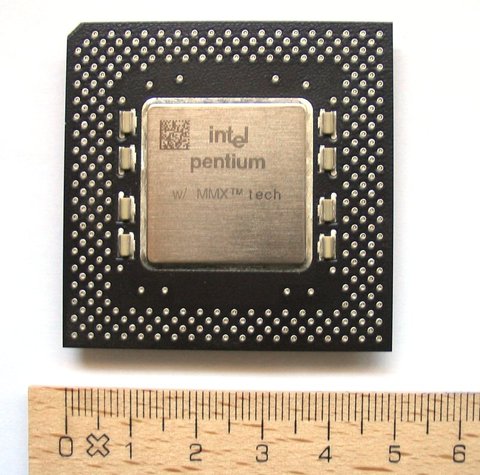
Its Intel Quark X1000 was a 32-bit, single-core, 400-megahertz system on a chip compatible with the Pentium instruction set. The board offered 256 megabytes of DDR3 memory, Ethernet, USB, a micro-SD slot, mini PCI Express, a Linux software stack, and headers intended to accept many Arduino Uno R3 shields.
Intel and Arduino presented it as an Arduino Certified development board rather than a small PC wearing familiar connectors.
Krzanich also announced that Intel would donate 50,000 boards to 1,000 universities over eighteen months. That program gave students and educators access to Linux, networking, and x86 development through a hardware shape already common in classrooms and workshops.
The bridge carried more machinery than the name suggested.
An Arduino sketch communicated with the Linux kernel through an input/output adapter rather than driving every pin as directly as a simple microcontroller. Intel's getting-started package included operating-system-specific downloads approaching 107 megabytes, while rebuilding the full Yocto Linux board-support package could require a 2.8-gigabyte archive and 30 gigabytes of working space.
Gen 2 improved native GPIO, drive strength, pulse-width modulation, and power options, acknowledging limits in the first design.
The good was open-source hardware, a full Linux environment, broad connectivity, and a serious university donation. The bad was a comparatively complicated software stack and an uneasy middle ground between inexpensive microcontrollers and faster single-board computers.
By December 2017 Intel described Galileo, Edison, and Joule as discontinued maker products and directed developers toward other IoT kits. The educational outreach left useful documentation and thousands of boards, but it did not establish Quark as a durable maker platform.
The pin marks Palazzo dei Congressi at Piazza John Kennedy 10, verified as the 2013 fair venue. The cover shows Galileo Gen 2 in 2015, not the original board unveiled on the stage.
Photo: Intel Free Press, CC BY-SA 2.0, via Wikimedia Commons.







changes?
delete this memory?
We detected that you have a Blox in your crypto wallet! We will import the Blox into your account.
Click on done below to complete the import.
Welcome Back!
Sign in to preserve cherished moments
Don't have an account?
Welcome!!
Sign up and start preserving cherished moments
?
?



Choose your payment method
Buy with Metablox Credit
Do you want to mint Blox with Metablox Credit?
Which Crypto would you like to use?
Purchase Confirmed!
Your Blox is being minted on-chain and will appear in your profile shortly.
Log in or sign up to claim your Blox.
How many credits do you want to buy?
$100 USD = 1 Metablox Credit = 1 Blox.
Use Metablox Credit to mint any Blox you want on the map.
 expand_more